
Dead Zones, Dropped Calls, and Buffering: Signs Your Home Wi-Fi Is Failing
Why Your Internet Feels Slow Even When You’re Paying for Fast Speeds
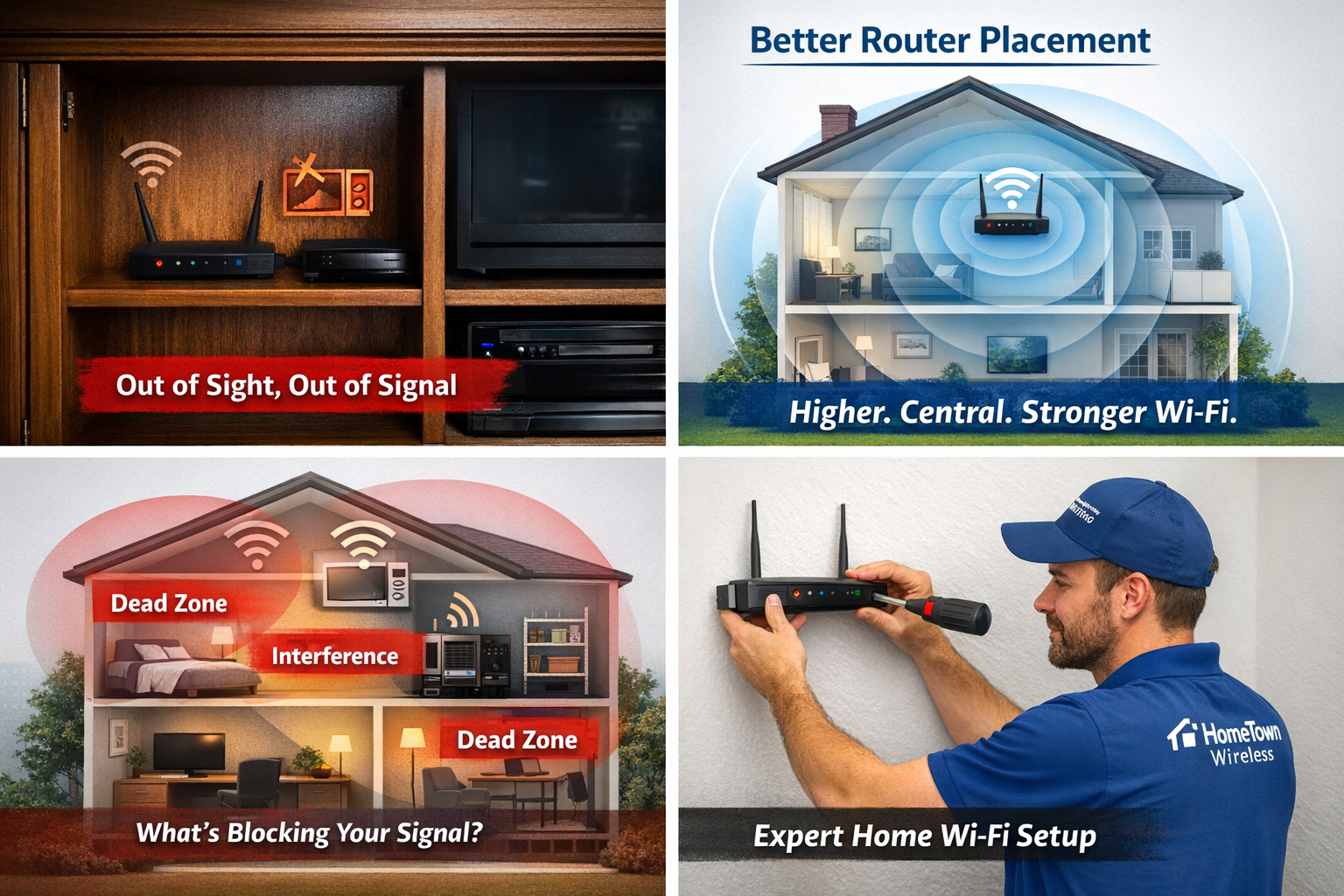
If parts of your home feel like a Wi-Fi black hole—or your streaming, calls, and smart devices struggle to stay connected—your network may already be failing you.
Slow speeds, dropped connections, and constant buffering aren’t just annoying. They’re signs your home Wi-Fi setup is outdated, overloaded, or improperly designed for how homes use the internet today.
Let’s break down the most common warning signs—and what actually fixes them.
🚨 The Most Common Signs Your Home Wi-Fi Is Failing
1. You Have “Dead Zones” in Certain Rooms
If Wi-Fi works fine in one room but disappears in another, your signal isn’t reaching the entire home.
Common causes:
- Thick walls, concrete, or metal framing
- Poor router placement
- Homes larger than what a single router can cover
Dead zones don’t fix themselves—and extenders often make things worse.
2. Streaming Buffers (Especially at Night)
Buffering during movie nights or big games usually happens when multiple devices compete for bandwidth at once.
Smart TVs, tablets, gaming systems, phones, and security cameras all draw data simultaneously. If your Wi-Fi wasn’t designed for this load, performance drops fast.
3. Video Calls Freeze or Drop
Dropped Zoom or FaceTime calls are one of the clearest signs of weak Wi-Fi stability.
Even with “fast internet,” poor signal distribution causes:
- Choppy audio
- Frozen video
- Sudden disconnects
This is especially common in home offices located far from the router.
4. You’re Constantly Restarting the Router
Restarting your router may seem like a fix—but it’s just a temporary reset, not a solution.
If rebooting has become routine, your system is likely:
- Overloaded
- Outdated
- Improperly configured
Modern homes shouldn’t need weekly (or daily) resets.
5. Smart Devices Disconnect Randomly
Smart thermostats, cameras, doorbells, and speakers rely on consistent Wi-Fi—not just speed.
When devices drop offline:
- Automation fails
- Security systems become unreliable
- Apps lose connection
This is a major red flag for network reliability.
❌ Why DIY Fixes Usually Don’t Work
Many homeowners try:
- Wi-Fi extenders
- Bigger routers
- Upgrading internet speed
But these often treat symptoms—not the cause.
Without proper signal mapping, placement, and configuration, adding equipment can actually create interference and reduce performance.
✅ The Real Solution: Whole-Home Wi-Fi Design
A professionally designed Wi-Fi system:
- Eliminates dead zones
- Distributes signal evenly
- Handles multiple devices at once
- Scales with your household’s needs
Modern mesh systems and professionally installed access points create seamless coverage—without tearing up walls or cluttering your home.
🏡 Is Your Home Wi-Fi Ready for Today’s Demands?
If your household relies on:
- Streaming
- Remote work
- Gaming
- Smart home technology
Then your Wi-Fi needs to be engineered, not guessed.
A proper in-home Wi-Fi assessment can quickly identify problem areas and determine the best solution—often without changing your internet provider.
📞 Stop Fighting Your Wi-Fi
If you’re dealing with dead zones, buffering, or dropped connections, it’s time to stop troubleshooting and start fixing.
HomeTown Wireless specializes in reliable, whole-home Wi-Fi solutions designed around your home and your usage.
Call today to schedule a professional Wi-Fi assessment and finally get the coverage your home deserves.